Anime4K, CuNNy and ACNet
Select from several GPU upscaler families, including Anime4K v3.2 CNN x2 S/M, CuNNy and ACNet. ArtCNN is also available as an experimental option.
 SuiSuiView
GitHub
SuiSuiView
GitHub
Image & comic viewer for Windows
Image and comic viewer for Windows with Anime4K and other GPU upscalers, customizable controls, smart two-page reading, and ZIP/CBZ support.
Alpha · In development. No public executable or Microsoft Store release yet.
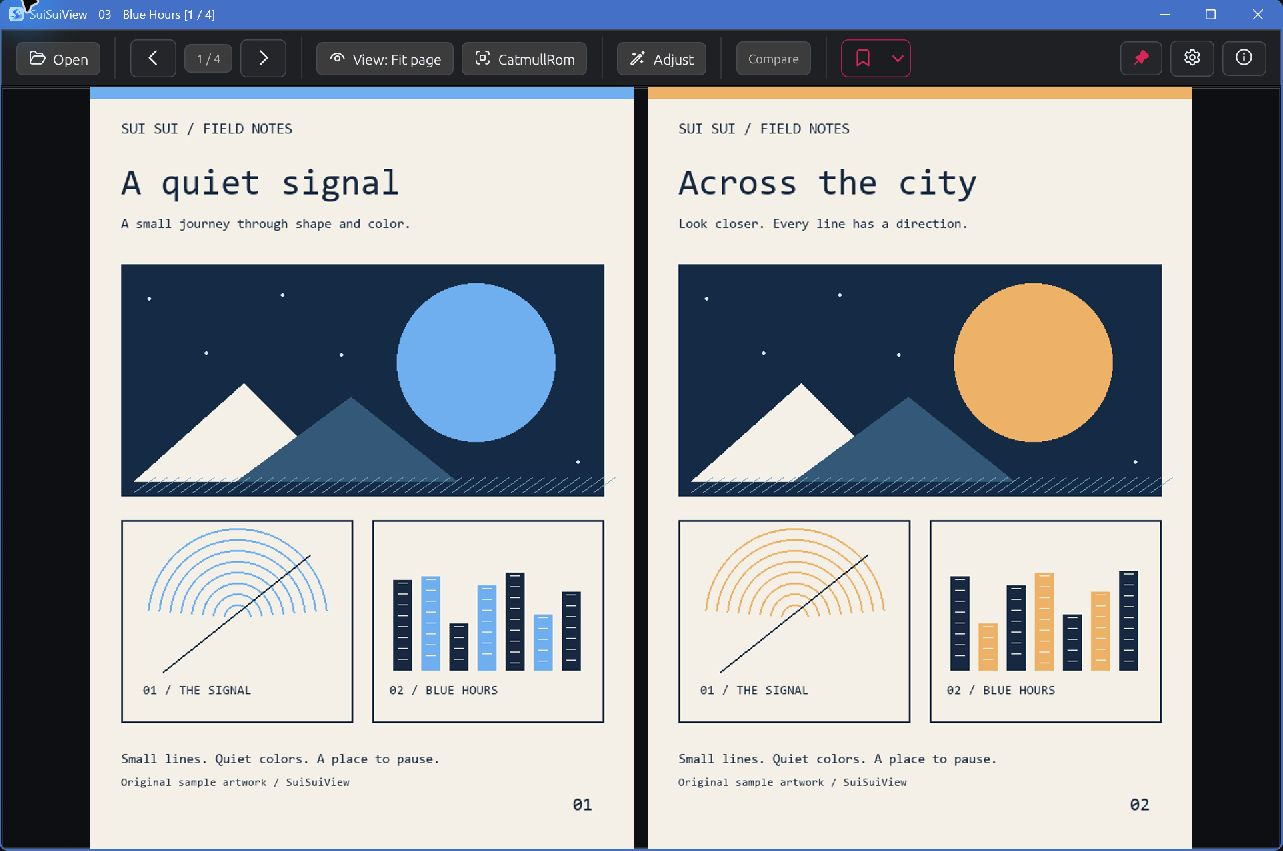
Actual app captures using original sample artwork. The app interface currently supports English and Korean.
01 / Choose the image
Pick how small images fill your screen. Compare the character of lines, text and flat colors, then keep the method that suits the page and your hardware.
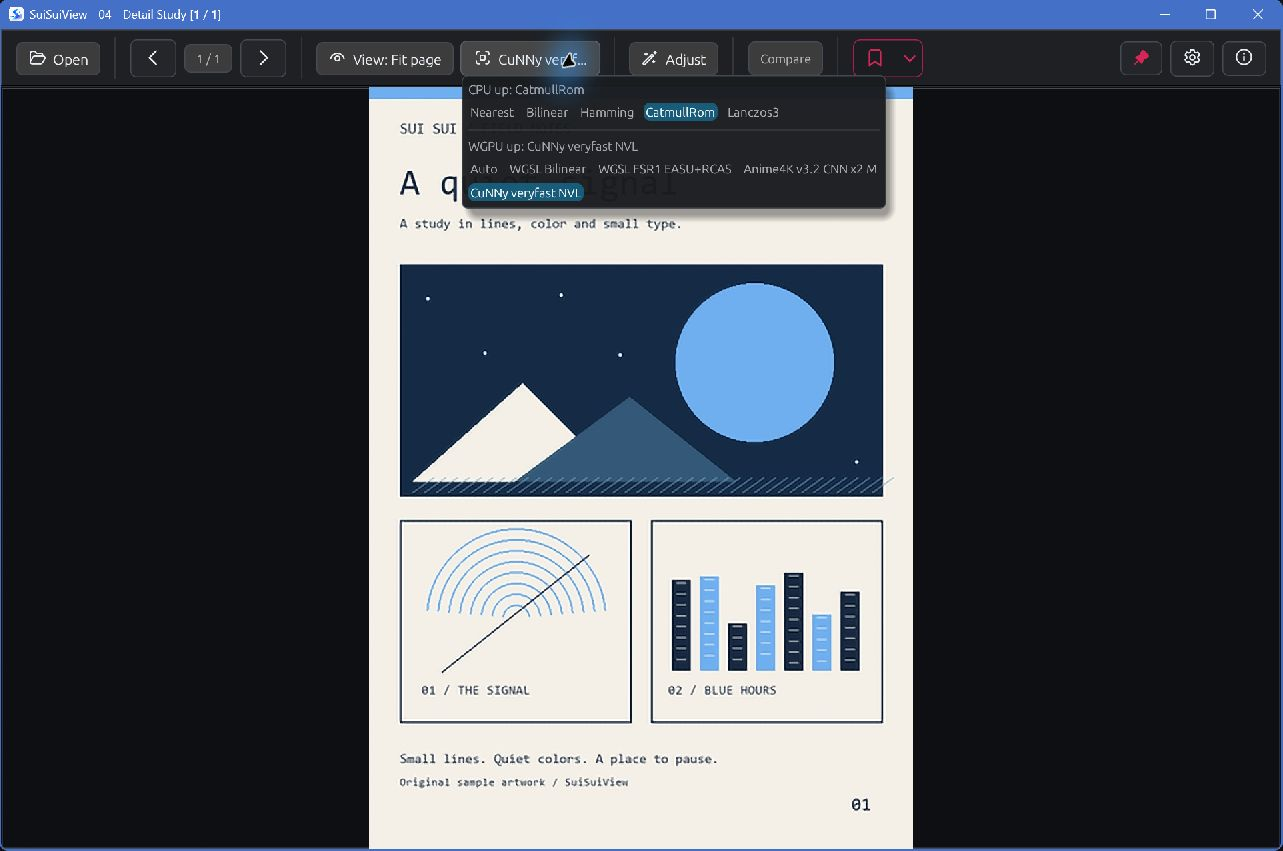
Select from several GPU upscaler families, including Anime4K v3.2 CNN x2 S/M, CuNNy and ACNet. ArtCNN is also available as an experimental option.
Choose which CPU enlargement filters and GPU upscalers appear in the top bar. Switch between your favorites while reading.
Adjust display effects such as gamma, inversion and smoothing. GPU options include debanding and linear-light downscaling; the downscaling filters themselves are fixed.
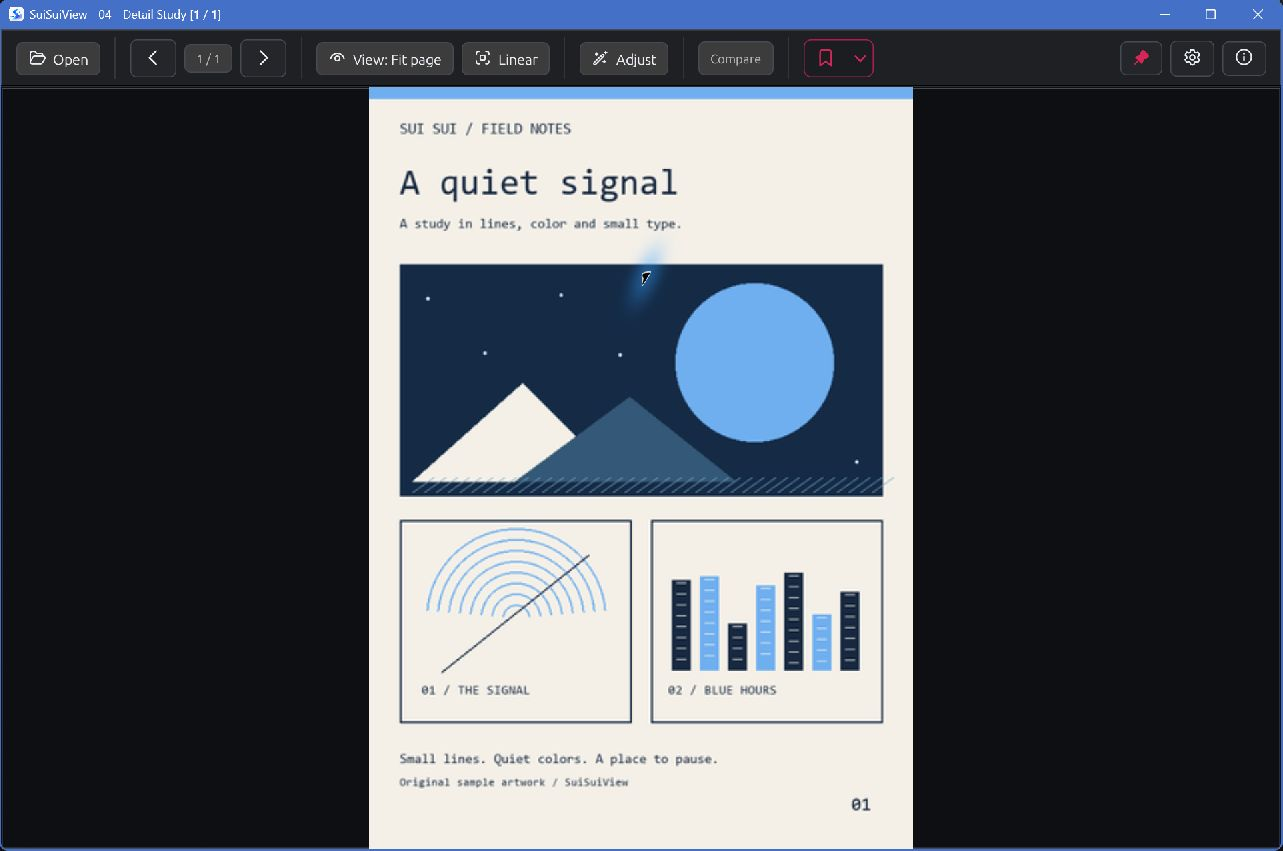
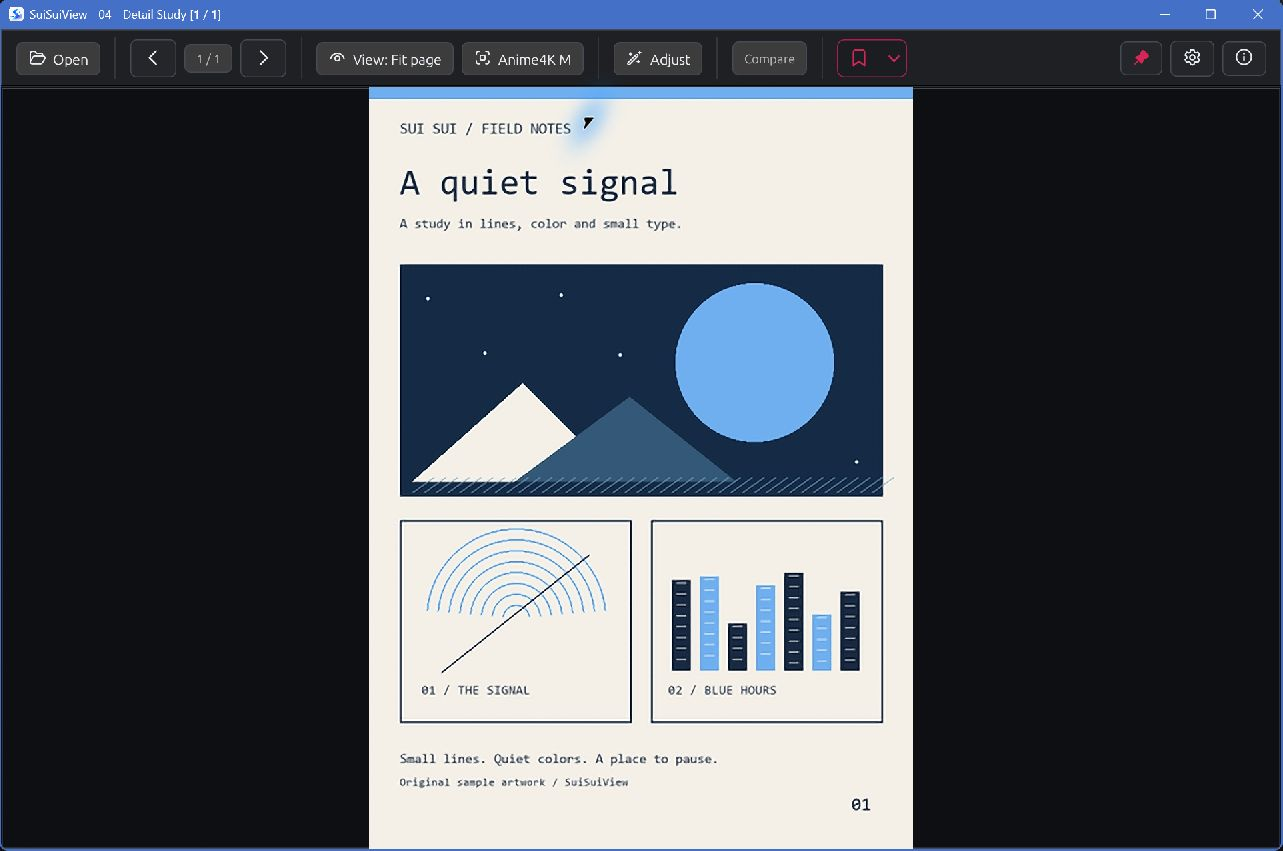
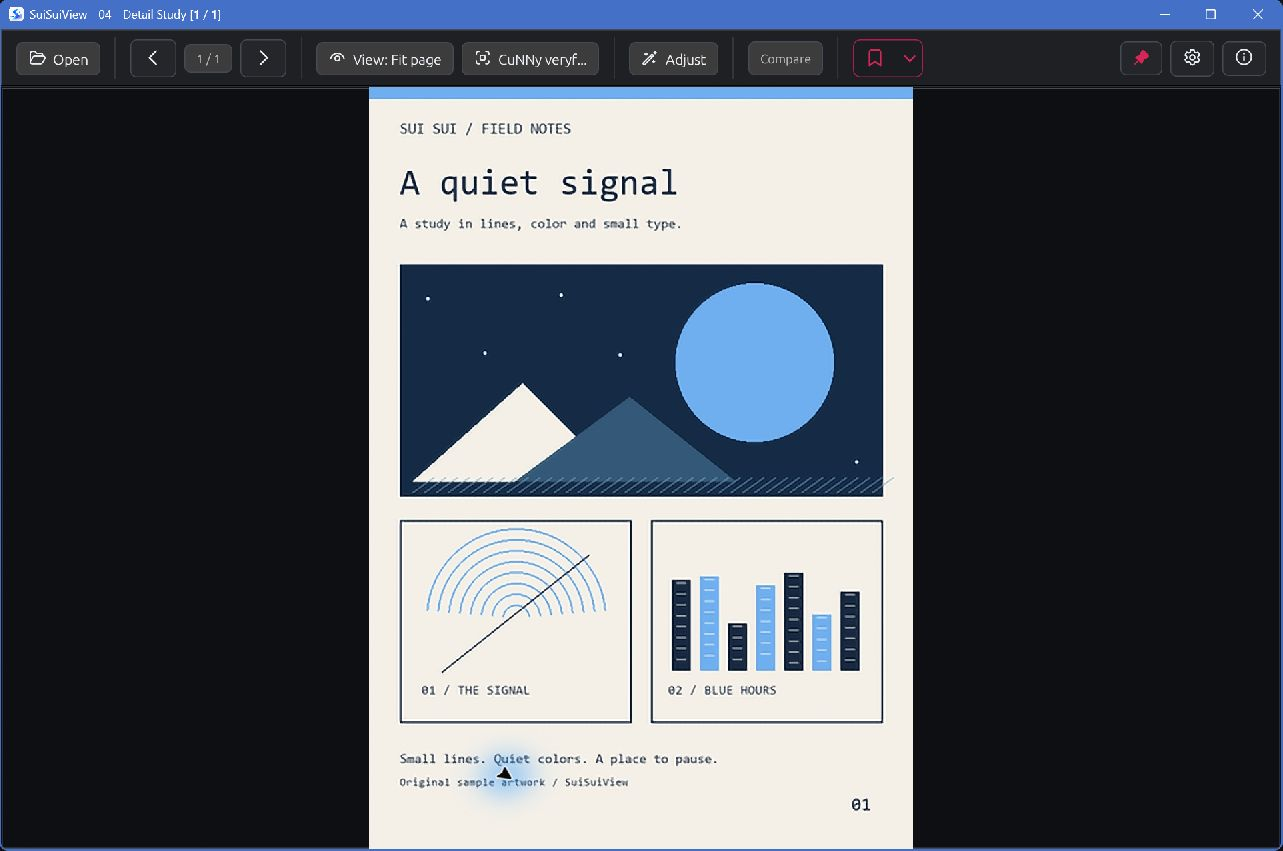
The same 360 × 504 sample in a 1283 × 851 app window, fit to page at approximately 1.51× display enlargement. These are separate, qualitative captures with the source unchanged. Open each image at full size; this is not a quality benchmark or a claim that one method is always better.
02 / Make it familiar
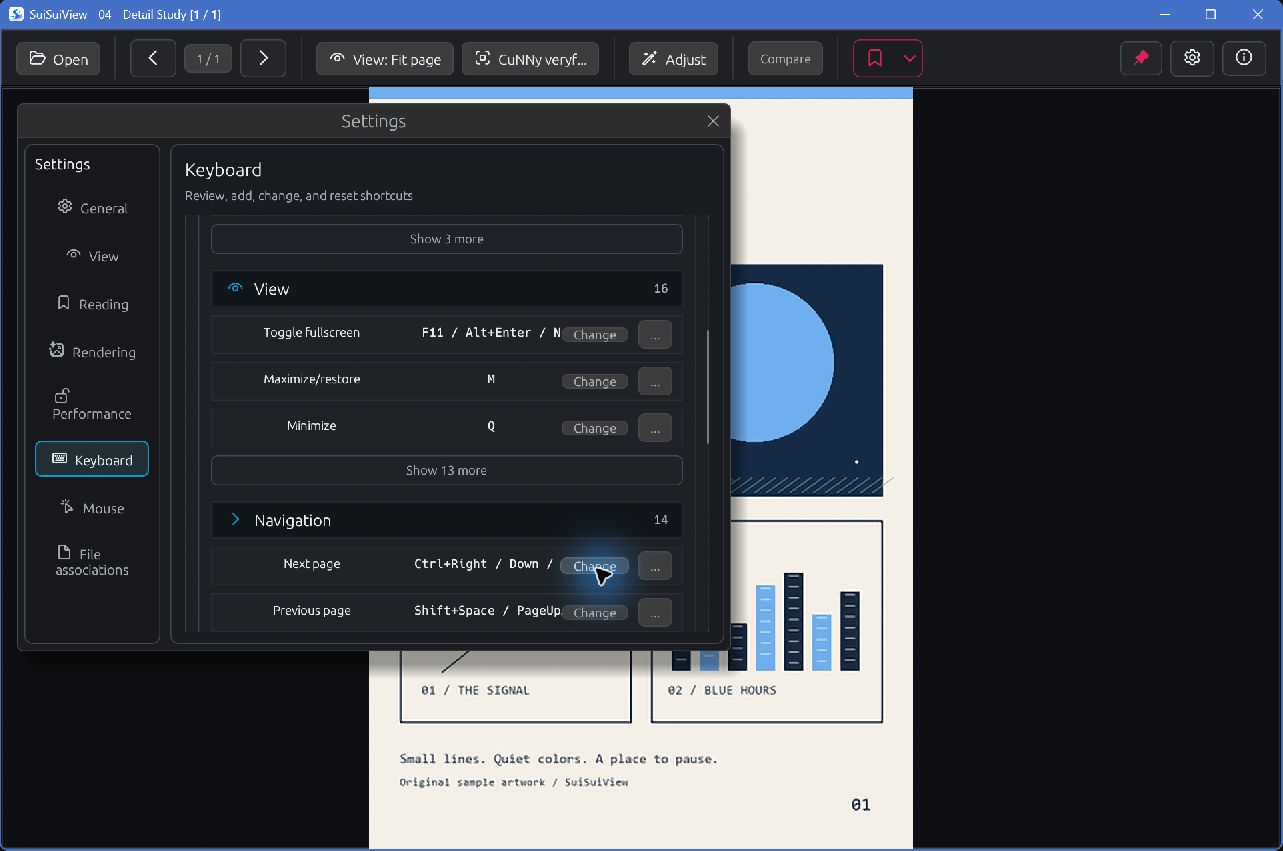
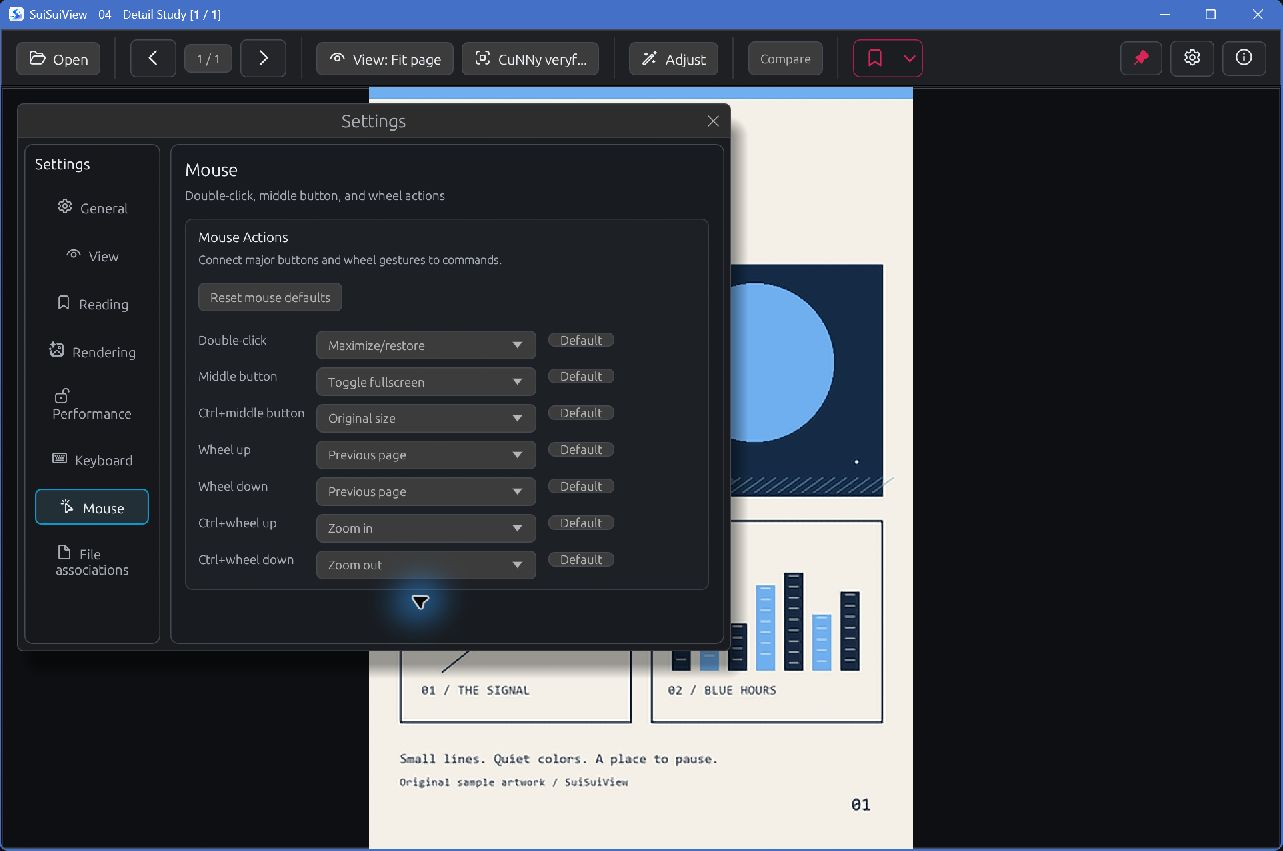
Keep the shortcuts you already know and put the controls you use within reach. Set up the everyday reading flow, from the first page to the next book.
Add or change keyboard shortcuts with conflict checking. Assign double-click, middle-click and wheel actions, including their supported Ctrl combinations.
Show or hide top-bar groups, pin the bar, and choose whether to show filenames, page arrows and the status bar. Add a pixel grid when inspecting images at high zoom.
Choose page-turn or scroll-when-zoomed wheel behavior. Adjust vertical wheel and drag speed, large-image alignment and page transitions.
03 / Keep the story moving
Open a folder, ZIP or CBZ directly. One image also opens its neighboring images; opening a folder includes its subfolders, with filenames in natural order.
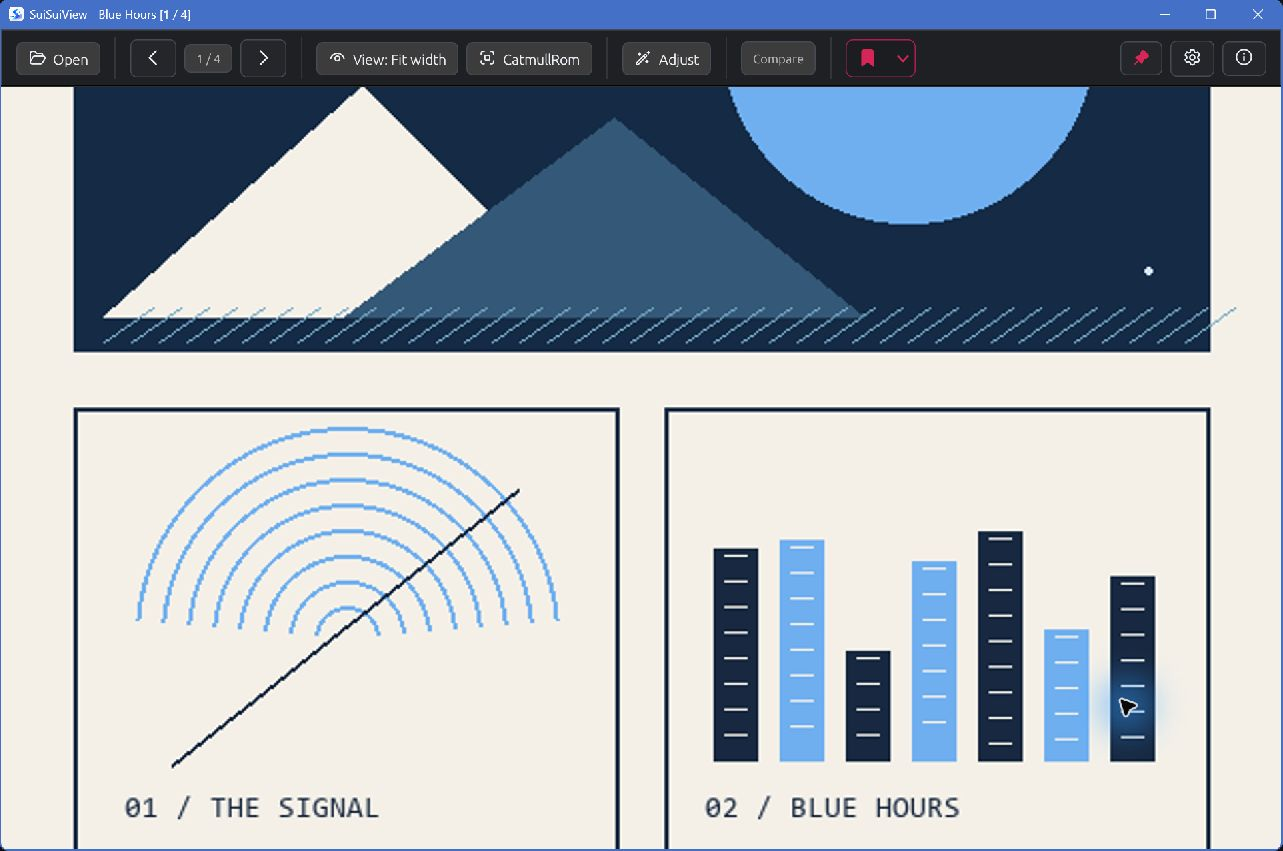
Read one page or a left-to-right or right-to-left spread. Smart two-page view uses page dimensions to leave wide, tall or mismatched pages on their own.
Scroll through local webtoons, or step with the keyboard. Optional panel snapping uses uniform gutters to find a useful stopping point and falls back to a normal step when needed.
Browse neighboring folders, ZIP and CBZ files without returning to Explorer. Set separate end-of-book behavior for images and archives: stop, ask, wrap or move to the next book.
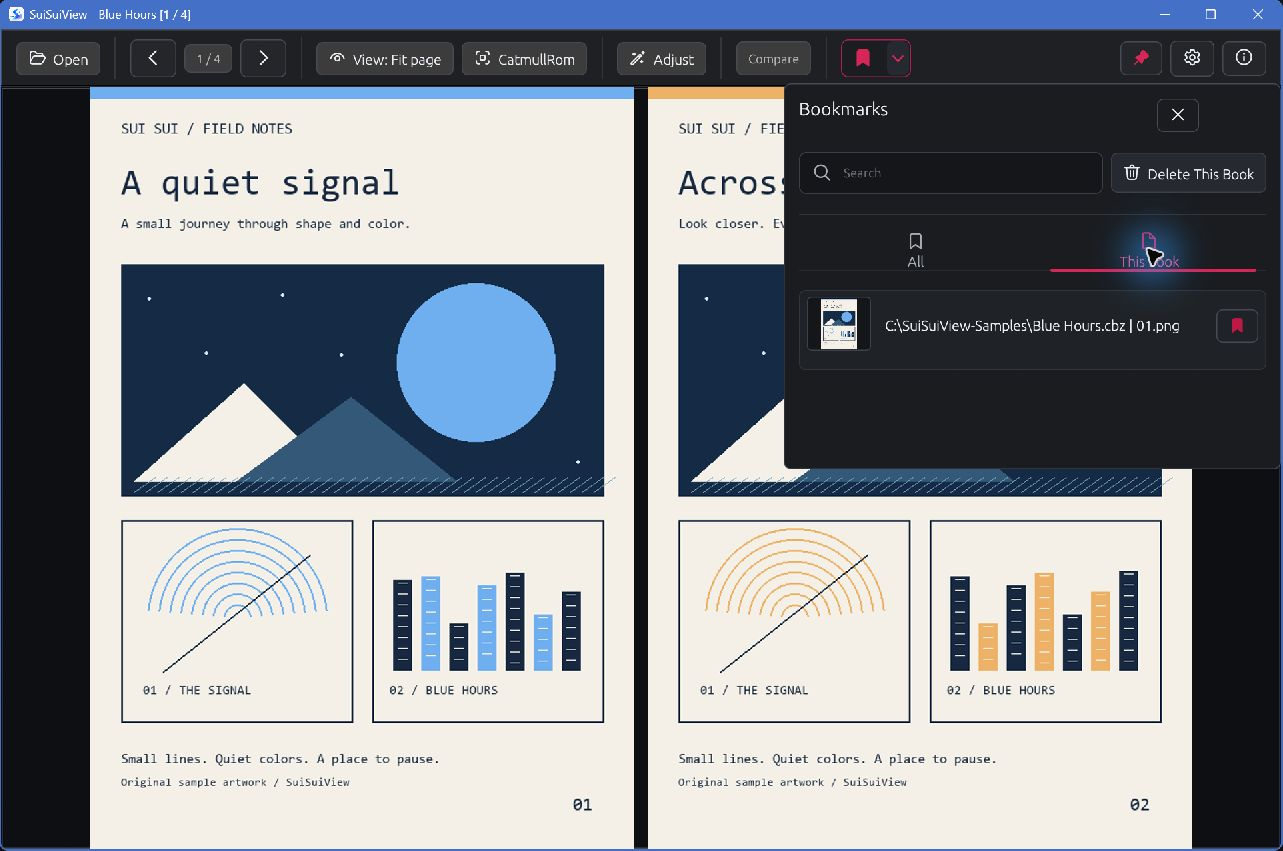
Resume by file identity and find saved scenes in searchable bookmarks with thumbnails. Remember the book's reading mode and vertical position, with an option to remember its zoom level.
04 / Local files
Support follows the current default source build. This is a still-image and local comic viewer; format extensions do not imply animation or HDR display support.
| Books | Image folders (including subfolders), ZIP and CBZ. |
|---|---|
| Images | JPEG, PNG, WebP, BMP, TIFF, TGA, PNM/PBM/PGM/PPM, ICO and QOI. Native WebP decoding is included by default. |
| Still previews | GIF and APNG as still images. PSD composite/base-image preview; no layer or effect rendering. |
| Experimental | DDS, OpenEXR and Radiance HDR/RGBE. AVIF and first-page previews of PDF-compatible Illustrator (.ai) files require optional builds and their native dependencies. |
| Not currently supported | CBR/RAR, 7Z/CB7, PDF, HEIC/HEIF, JPEG XL, SVG, JPEG XR and RAW. |
05 / Get started
SuiSuiView is in Alpha. You can inspect and build the source now. Public Windows executables and the Microsoft Store edition are not available yet.
Free executables and source code, with the same core viewer. Download new versions from GitHub and update them yourself.
The same core viewer, with Store installation convenience and a way to support continued development. Update behavior will be described once the Store package is verified.
The free edition is not a trial or a feature-limited tier. Price and release date have not been announced.
Use the default build to start. You do not need to obtain extra super-resolution models for the included Anime4K, CuNNy or ACNet options.
git clone https://github.com/BK927/SuiSuiView.git
cd SuiSuiView
cargo run --release --locked
The command builds and launches the app. After a successful build, target/release/suisuiview.exe is the local executable. Optional AVIF and Illustrator (.ai) preview builds need additional setup; start with the default features shown here.
Read the full setup and controls ↗06 / A few details
No. SuiSuiView reads supported image pages directly from ZIP and CBZ archives. It does not search for or download comics online.
With identity-based resume enabled, reopening the same ZIP/CBZ at its new path can restore your reading position. Manual bookmarks follow a moved archive when the old path is gone and the move is unambiguous. Copies keep their own manual-bookmark scope; this is not cloud synchronization.
Reading direction, view mode, fit mode and vertical reading position can be restored for a book. Remembering its manual zoom is optional. Image-processing and input settings are not a complete per-book profile system.
Enable GPU acceleration in settings, restart, and select an upscaler. Super-resolution applies when enlarging in a fit mode. Manual zoom uses a different display path. Image size, scale and hardware affect which path is applicable and how it performs.
No. Upscaling, rotation and display effects do not rewrite the source image. The app has separate file-delete commands. Clipboard page or spread copying does not promise the complete GPU super-resolution output.
Smart two-page pairing uses page dimensions. Vertical panel snapping looks for uniform gutters and falls back to regular scrolling. These reading aids do not use a machine-learning model to understand page content.
Not in the current app. ZIP and CBZ are the supported comic archives. Optional PDF-compatible Illustrator preview does not add general PDF reading.
The planned free GitHub edition and paid Microsoft Store edition share the same core viewer. GitHub updates are manual. The Store edition offers installation convenience and supports development; its update behavior will be confirmed with the actual package. Neither executable edition is public yet.
The app interface currently supports English and Korean. This introduction is also available in Japanese and Simplified Chinese; those website translations do not add app interface languages.